🔍 What Happened?
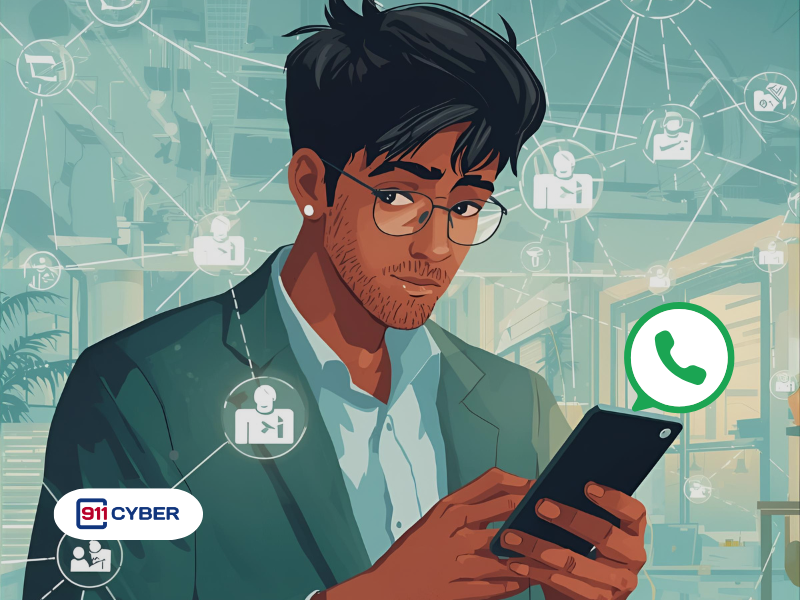
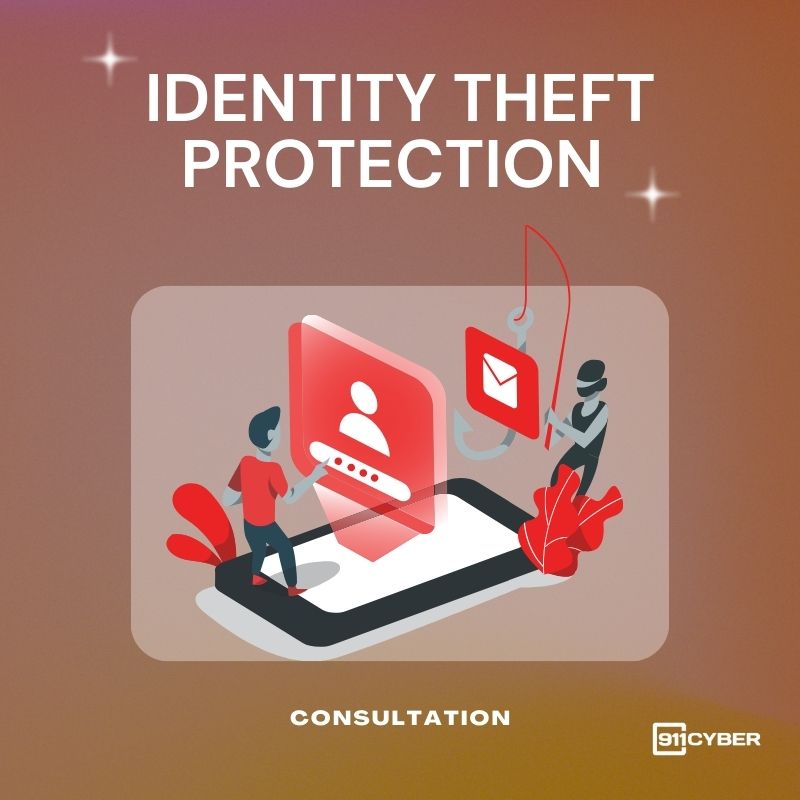
You received a WhatsApp message that looked like it came from a friend: “Hi, I accidentally found your private photo!” with a shortened link. The link opened a fake Facebook login, stole your credentials, and the attacker used them to start WhatsApp’s device linking. Their device got connected to your WhatsApp, giving them access to chats, media, and contacts.
This is a phishing-led device-link hijack. It abuses WhatsApp’s multi-device feature and social engineering to gain full account access and impersonate you.
🛠️ How Does This Work?
🔎 How Can I Tell If My WhatsApp Is Linked Illegally?
🚨 I Think I Am Compromised. What Now?
🛡️ How Do I Prevent Hackers From Linking Their Device To My WhatsApp?
💡 Key Takeaway
Most takeovers start with a single click. If you did not request a code or do not recognize a linked device, act immediately. Two-step verification plus regular Linked Devices checks stop the majority of hijacks. For hands-on help, remember you can always reach out to 911cyber.