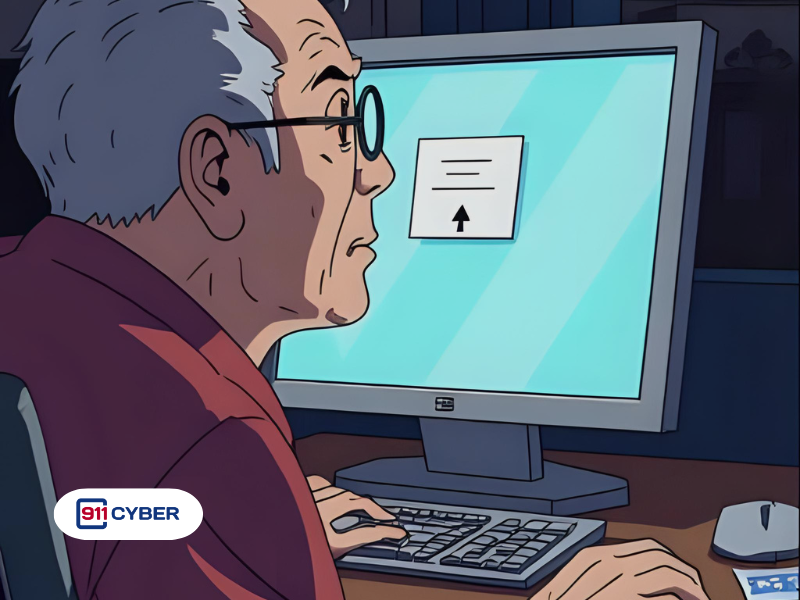

This is a classic tech support scam: someone clicks on a strange website, gets a phone number, and suddenly a stranger is guiding them through giving remote access to their computer. The goal? Steal money, personal info, or install malware. It sounds unbelievable, until it happens to someone you know.
A family member visited a website when a fake pop-up appeared, warning that their computer had a serious issue. The pop-up instructed them to call a ‘tech support’ number. When they did, a scammer on the phone guided them step by step to give remote access to their computer. The scammer then tried to get them to log into their bank account, at which point the family member realized it was a scam and stopped. This is a classic tech support scam: strangers pretending to help while trying to steal money or data.
These scams rely on social engineering. The scammer creates a sense of urgency or fear, often using fake pop-ups that claim the computer is infected or at risk. When the victim calls the provided number, the scammer pretends to be a tech support agent and guides them to install remote access software. Once connected, the scammer can view the computer, steal passwords, install malware, or try to access sensitive accounts like online banking. The key tactic is manipulating the victim into trusting a stranger and following instructions without questioning them.
Watch for signs that your computer or accounts may have been compromised:
If you notice one or more of these signs after interacting with a suspicious website or caller, treat it as a potential compromise and take immediate action.
Reporting your compromise helps with potential recovery and prevents others from being targeted. Consider the following actions:
Tech support scams rely on fear and urgency to trick victims into giving strangers access to their computers. The moment you suspect something is off, disconnect, don’t panic, change passwords from a secure device, scan for malware, and monitor accounts. Awareness and quick action are the best defense.