XStore Documentation

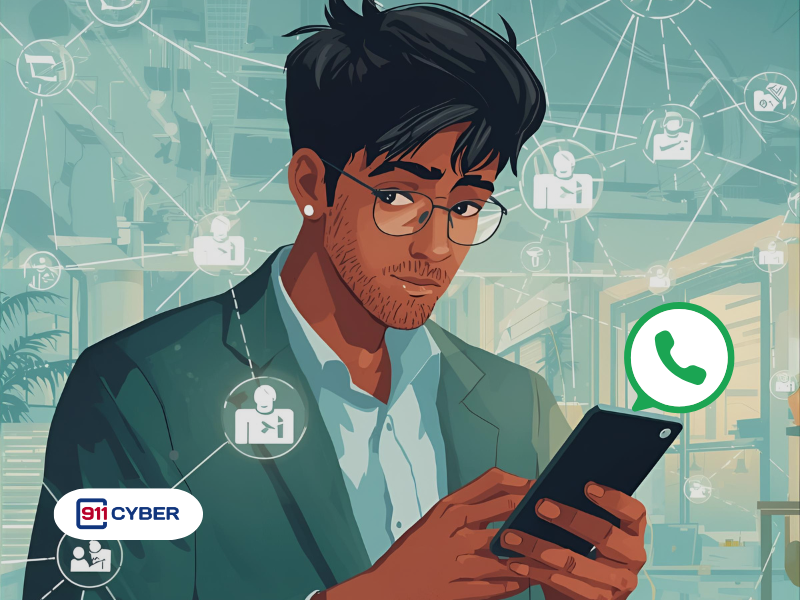
How can I secure my WhatsApp account if hackers try to link their device to it?

🔍 What Happened?

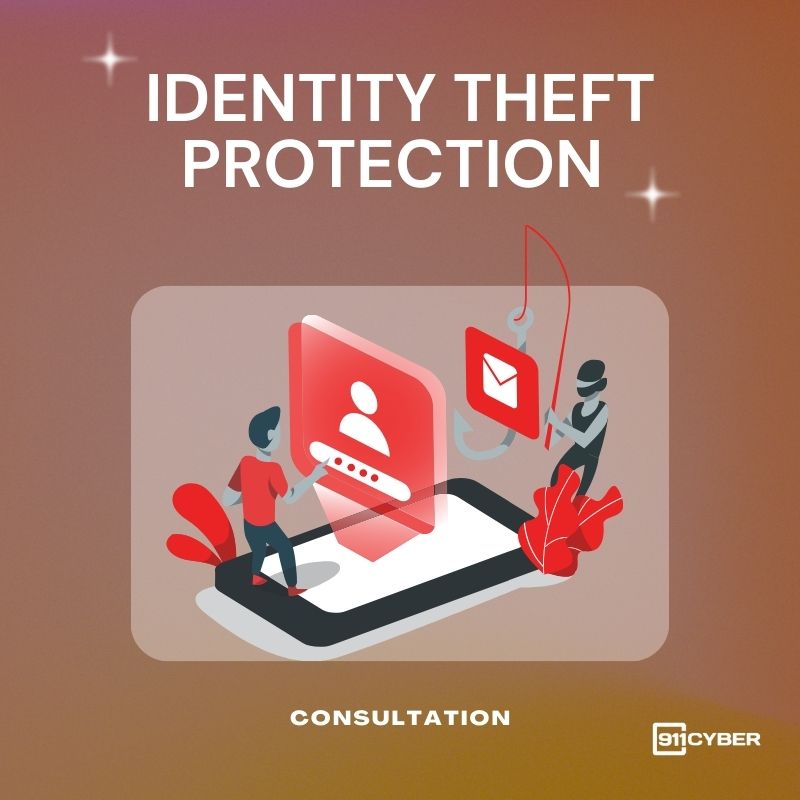
You received a WhatsApp message that looked like it came from a friend: “Hi, I accidentally found your private photo!” with a shortened link. The link opened a fake Facebook login, stole your credentials, and the attacker used them to start WhatsApp’s device linking. Their device got connected to your WhatsApp, giving them access to chats, media, and contacts.

This is a phishing-led device-link hijack. It abuses WhatsApp’s multi-device feature and social engineering to gain full account access and impersonate you.

🛠️ How Does This Work?

  • Phishing link steals Facebook credentials on a lookalike page.
  • Attacker initiates WhatsApp device linking on their side.
  • You receive a QR or 6-digit code prompt.
  • With stolen session or follow-on tricks, the attacker completes the link and reads or sends messages as you.

🔎 How Can I Tell If My WhatsApp Is Linked Illegally?

  • Check for unknown sessions in WhatsApp by going to Menu  and then Linked Devices.
  • Look out for “WhatsApp Web/Desktop is active” notifications that you did not trigger.
  • If you notice friends reply to messages you never sent or report strange links from you.
  • Surprise SMS verification codes or “number registered on a new device” alerts.
  • Unusual battery drain or app sluggishness alongside other signs.

🚨 I Think I Am Compromised. What Now?

  1. Kick out the hacker by going to Settings, selecting Linked Devices, and logging out of every unfamiliar device.
  2. If you are logged out, re-register your number and enter the new SMS code. If you are asked for a PIN that you did not set, tap Forgot PIN? and follow the recovery steps, or wait the required period to override it.
  3. Warn your contacts and let friends know not to trust any recent messages or links that may have come from your account.
  4. Turn on Two-step verification, review your Privacy options, and remove any suspicious Accounts Center links.
  5. Run a reputable mobile security scan to clean the device.
  6. Change your Facebook password and any other credentials you entered on suspicious pages. Enable two-factor authentication everywhere.

🛡️ How Do I Prevent Hackers From Linking Their Device To My WhatsApp?

  • Do not tap on strange links. Always verify surprising messages by calling the sender.

  • Use only official linking methods: connect through the WhatsApp app or at web.whatsapp.com. Never scan QR codes from untrusted sites.

  • Enable Two-step verification by opening Settings, then Account, then Two-step verification. Set a six-digit PIN and add a recovery email.

  • Never share your SMS codes or your two-step PIN with anyone.

  • Keep everything updated: install the latest versions of WhatsApp and your phone’s operating system to get important security fixes and features such as Account Protect and Device Verification.

  • Review your Linked Devices weekly and sign out of any that you do not recognize.

  • Lock it down by using your phone’s screen lock and enabling WhatsApp App Lock.

  • Secure your Meta accounts with a strong, unique Facebook password, two-factor authentication using an authenticator app or security key, and login alerts. Also check Settings, then Account, then Accounts Center in WhatsApp for any unfamiliar links.

  • If you rely on WhatsApp Web, use Code Verify to ensure the webpage code is authentic.

  • Practice good digital hygiene: use a password manager, create unique passwords, and avoid downloading shady apps or APKs.

💡 Key Takeaway

Most takeovers start with a single click. If you did not request a code or do not recognize a linked device, act immediately. Two-step verification plus regular Linked Devices checks stop the majority of hijacks. For hands-on help, remember you can always reach out to 911cyber.

Get Help

Online Scam Prevention & Recovery

Schedule a free consultation

 A free 15-min cybersecurity consultation