Someone could be snooping on your devices right now through your own home Wi-Fi. If your network isn’t properly secured, you’re not just risking slow speeds or disconnections. You’re exposing your identity, data, smart devices, and even your kids’ privacy to hackers.
Here’s a step-by-step guide to fully secure your home network:
🔐 1. Lock Down Your Router
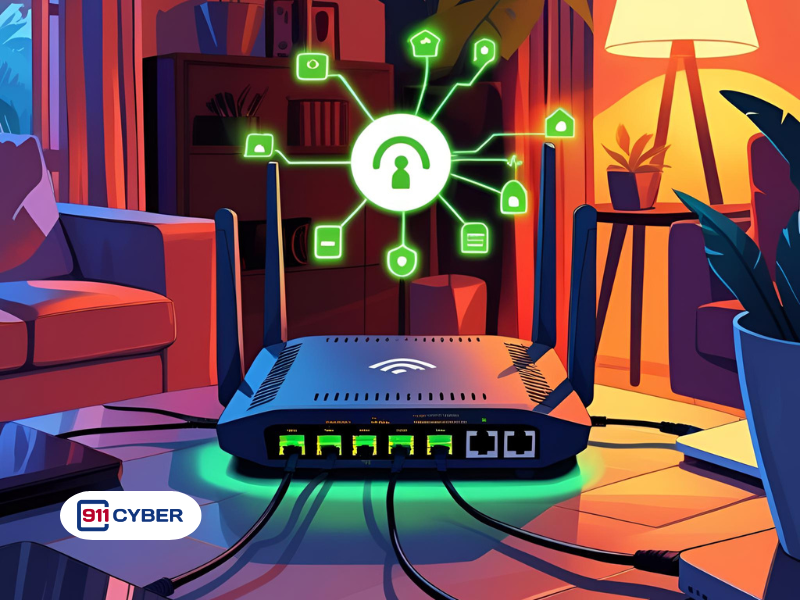
Your Wi-Fi router is your first line of defense.
Here’s how to strengthen it:
✅ Change the admin username and password (never leave it as default because hackers know them all)
✅ Update your router’s firmware regularly to patch known vulnerabilities
✅ Turn off remote management and Universal Plug and Play (UPnP) to prevent outside access
✅ Use WPA3 encryption (or WPA2-AES if WPA3 isn’t available). Avoid WEP or WPA as they are outdated and easily cracked
✅ Change your SSID (network name) to something non-identifiable. Don’t include names, addresses, or brand names
🔒 2. Create Strong, Unique Passwords
This goes without saying
✅Use a strong Wi-Fi password with at least 12 characters, including letters, numbers, and symbols.
✅ Avoid common words or personal details
✅ Use a password manager to store router and device passwords securely
🧑🤝🧑 3. Segment Your Network
Keep risky or guest devices separate. This minimizes damage if one device gets compromised
✅ Set up a Guest Network and never share your main network password with visitors
✅ Place smart TVs, cameras, bulbs, and other IoT devices on a separate IoT network or VLAN if your router supports it
🔒 4. Turn On Firewall and DNS Protection
✅ Ensure your router firewall is enabled
✅ Consider DNS filtering tools like OpenDNS, NextDNS, or CleanBrowsing to block access to malicious websites
✅ For more tech-savvy users, a hardware firewall or custom firmware like pfSense adds deeper control
🔄 5. Keep Everything Up to Date
Old software is a welcome mat for hackers
✅ Regularly update your router’s firmware
✅ Turn on auto-updates for all connected devices such as phones, laptops, TVs, and smart devices
✅ Remove any old devices you no longer use as they may still be entry points
🔒 6. Harden Device Security
✅ Use unique passwords and enable 2FA (Two-Factor Authentication) on your apps and services
✅ Turn on full-disk encryption on laptops such as BitLocker for Windows or FileVault for macOS
✅ Disable unnecessary sharing features such as file and printer sharing or remote desktop on your devices
🔍 7. Monitor for Suspicious Activity
✅ Log into your router regularly to check connected devices and remove unknown ones immediately
✅ Use tools like Fing or Wireshark to monitor for rogue activity
✅ Set up notifications for new connections or login attempts if your router supports it
🌐 8. Use a VPN (Virtual Private Network)
✅ A VPN encrypts your internet traffic to protect it from interception
✅Use a reputable paid VPN on devices or configure it at the router level for full-home encryption
🧠 9. Practice Smart Online Habits
✅Do not click on strange links or open unknown attachments
✅Avoid downloading apps outside of official stores
✅Teach kids and family members about phishing, social engineering, and malicious pop-ups
✅Always double-check URLs and look for the padlock (🔒) in browsers when entering sensitive info
💾 10. Backup Your Important Data
✅ Keep secure backups of your key files either on external drives or encrypted cloud storage
✅ This protects you from data loss in case of a breach, ransomware, or device failure
🧰 Bonus: Advanced Tips
- Disable WPS (Wi-Fi Protected Setup) as it is vulnerable to brute-force attacks
- Use MAC address filtering to allow only your devices to connect (can be bypassed, but adds a layer)
- Assign static IPs or DHCP reservations to important devices for easier management
Need Help?
Reach out to a local tech expert, or consult your router’s support page. If you suspect unusual activity, consider a cybersecurity consultation to help audit your home network. You can also contact the 911Cyber team for dedicated support and personalized security guidance.